How to connect Script to Review
-
Design a new workflow.
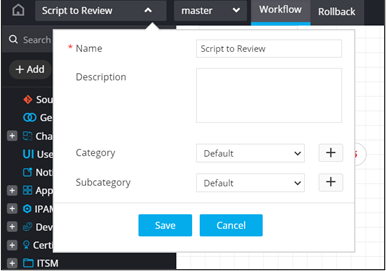
- From the General section, drag and drop a Script task.
-
In the Script task window, under
Properties, in the General
section, define a command/configuration.
device = "N/A"
command = "echo 'hello'"
AVX::CMD(device+":@"+command)
config = {}
config["Commands"] = AVX::CONFIG
AVX::OUTPUT(config)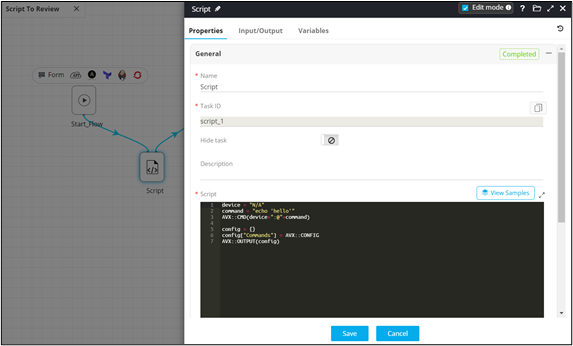
-
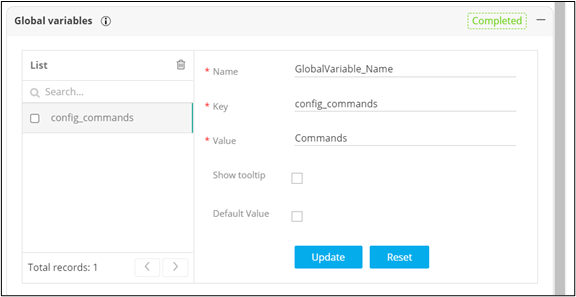
In the Script task window, under
Properties, in the Global
variables section, declare the commands as global variables to
be passed into the next (Review) task.
- From the General section, drag and drop the Review task.
- In the Review task window, under Properties, in the Configuration section, define the configuration blocks.
-
Refer the global variables defined in the Script.
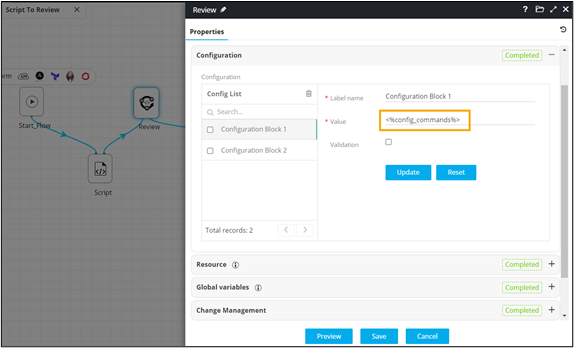
-
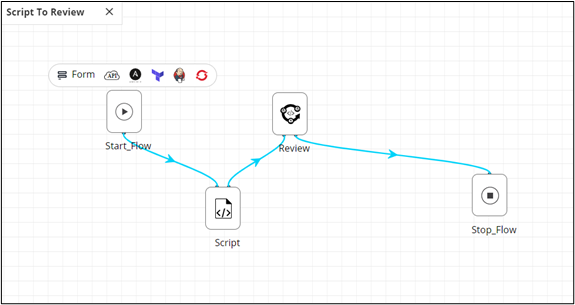
Connect and enable
the workflow.
-
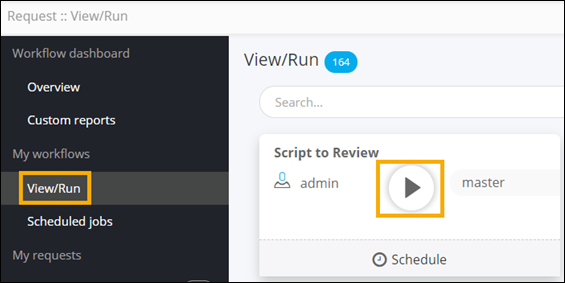
Trigger the workflow from the Request ::
View/Run page.
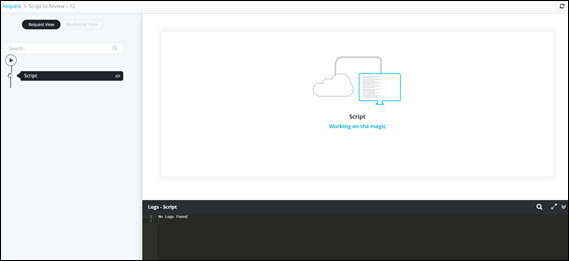
- Script executed with custom messages.
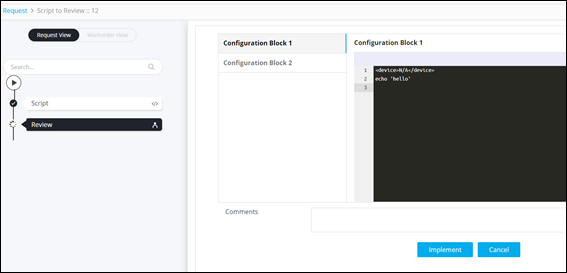
- Review task showing configuration blocks.
- Script executed with custom messages.