Import
To import a workflow:
-
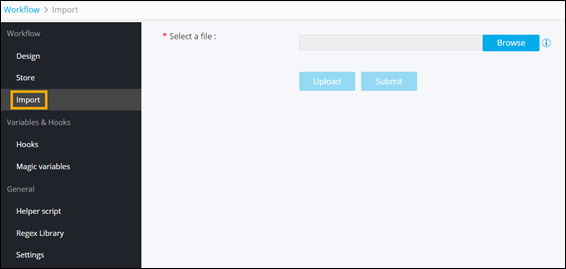
On the Workflow Inventory page, from the navigation menu on the
left, click Import.
-
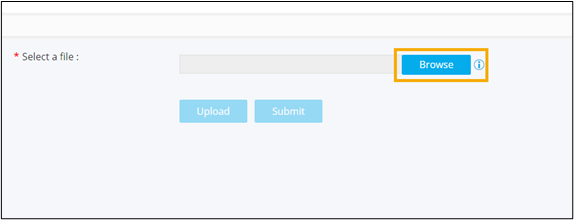
To select the file to be imported, click Browse.
-
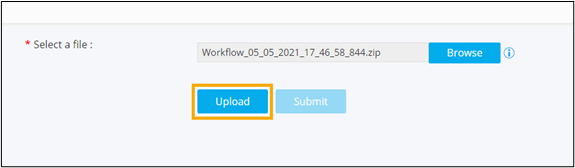
To upload the selected .zip file, click Upload.
-
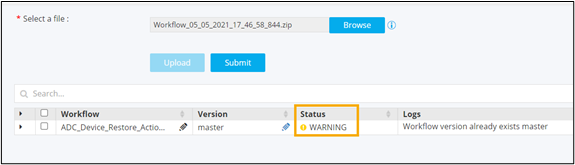
Select the workflow and click Submit.
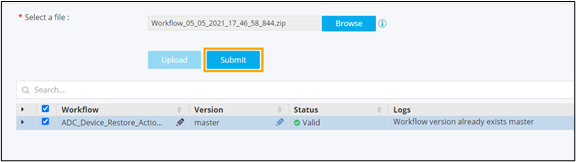
Warning: If you are importing a workflow that already exists, the workflow status will show a Warning. You need to either edit the workflow name or the version to be able to import this workflow.