Accessing the Page Builder
-
Log into AppViewX with valid credentials.
-
To access the navigation pane, hover your mouse over the
 icon.
icon.
-
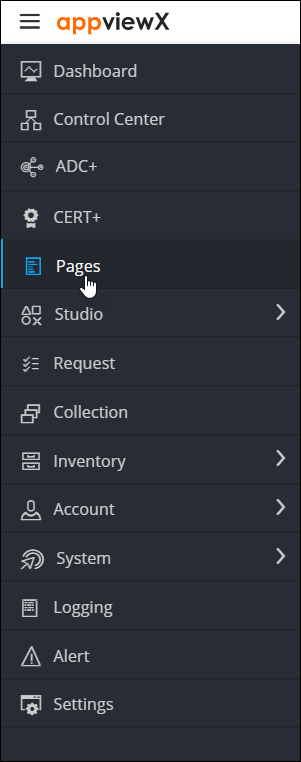
From the menu displayed, select Pages.
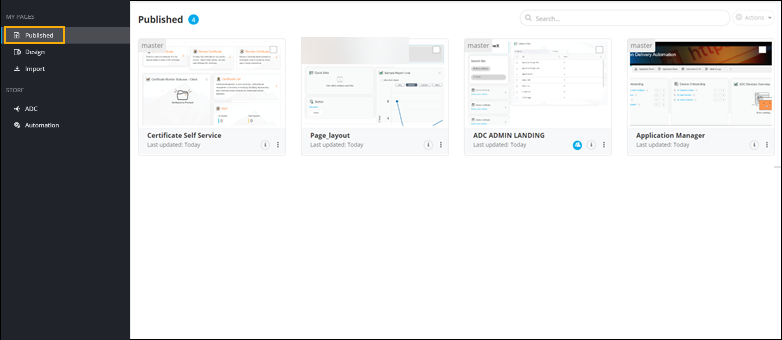
The Pages Inventory is displayed, with the Published tab open by default.