Customizing Prebuilt Pages
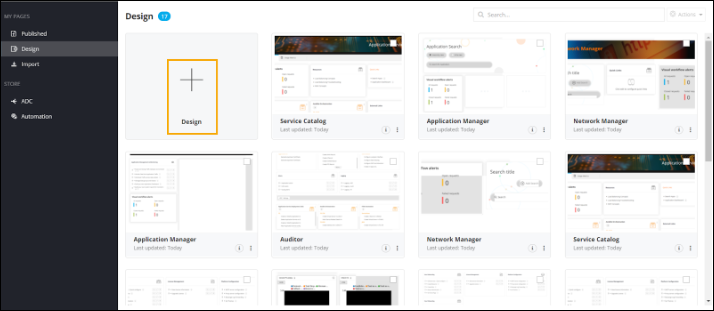
- On the Pages Inventory page, from the navigation pane on the left, click Design.
-
On the Design Inventory page, click
Design.
-
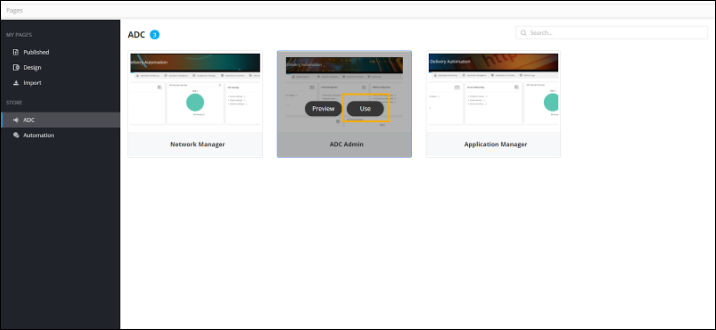
To customize an existing page, hover your mouse over a prebuilt page and click
Use.
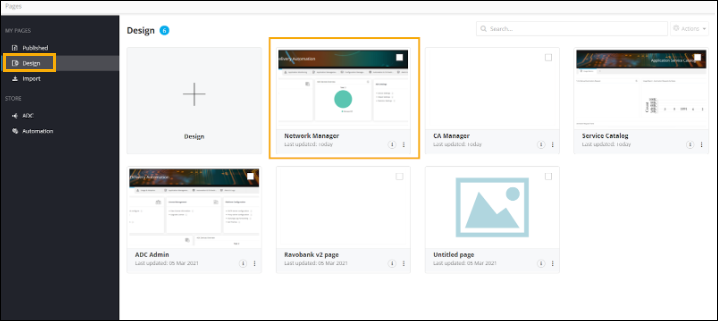
A copy of the selected page opens on your screen and is added to the Design inventory.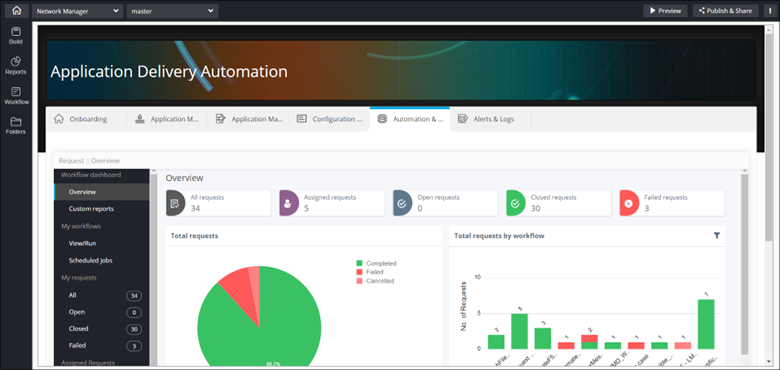
 Note: For steps on designing pages, click here.