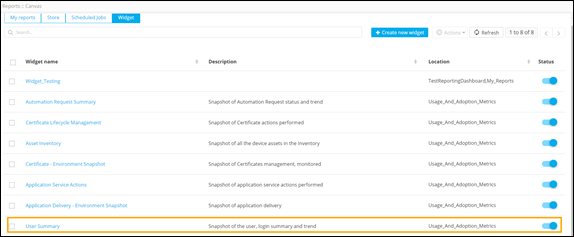
Creating a User Summary Widget
- On the Widget page, click Create new widget.
-
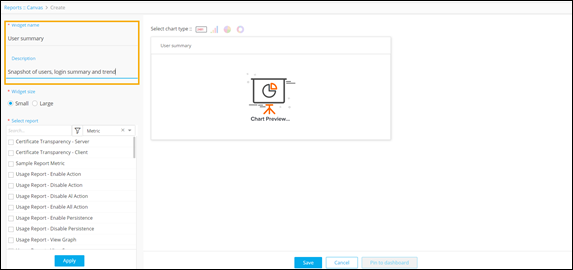
On the Reports::Canvas > Create page, enter a suitable
Widget name and
Description.
-
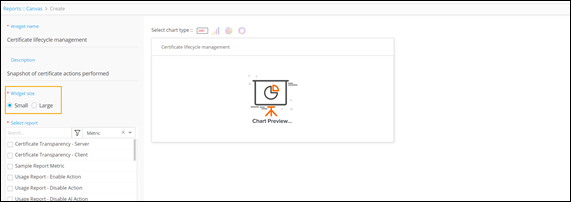
Select the Widget size.
-
From the list of reports available as metrics, select the report(s) to be
displayed on the widget.
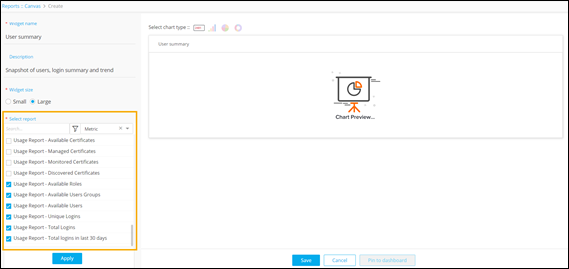
- To get a preview of the widget, click Apply.
- Click Save.
-
To change the status of the widget to Enabled, turn on
the toggle.
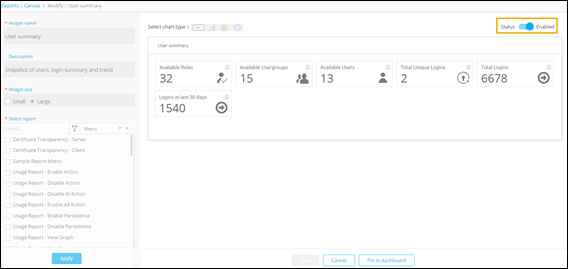
The User Summary widget is displayed on the Reports :: Canvas page under Widget.