How to Clone Reports
To clone a report:
-
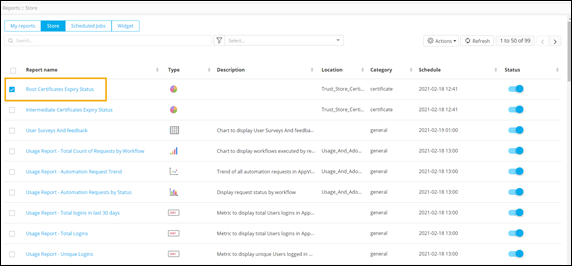
From the Reports :: Store page, select the
report to be cloned.
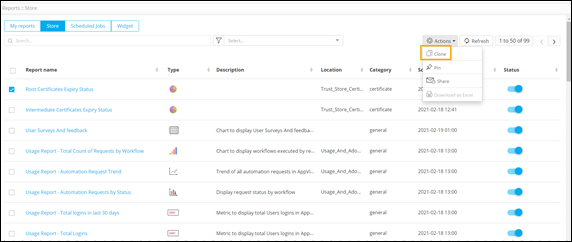
- To see the list of available actions, click Actions.
-
From the list of available actions, select Clone.
-
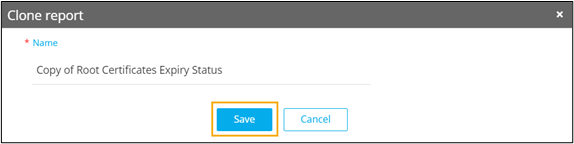
In the Clone report pop-up window, change the name of
the report (if required) and click Save.
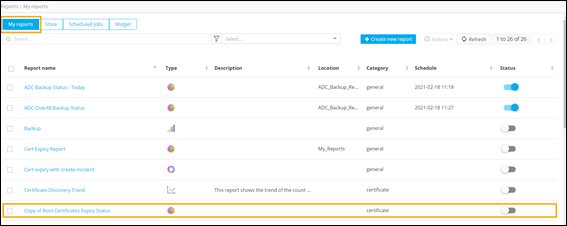
The cloned report is displayed on the Reports :: My reports page.