How to Delete Reports
To delete a report:
-
On the Reports :: My Reports page, select the
report to be deleted.
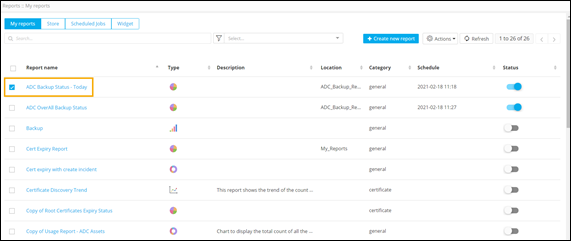
- To see the list of available actions, click Actions.
-
From the list of available actions, select Delete.
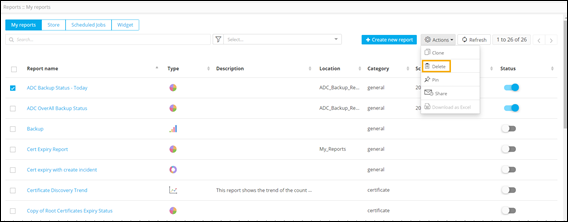
- To delete the selected report, click Yes in the Confirm delete pop-up window.