Submitting a Feedback
-
Log into AppViewX.

-
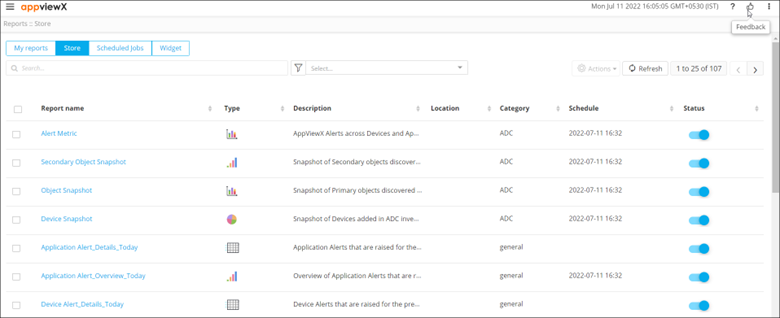
From the top right corner of the screen, click
 .
.
-
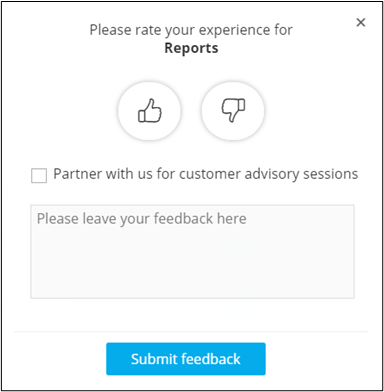
Enter feedback comments in the popup window.
-
Click Submit feedback.
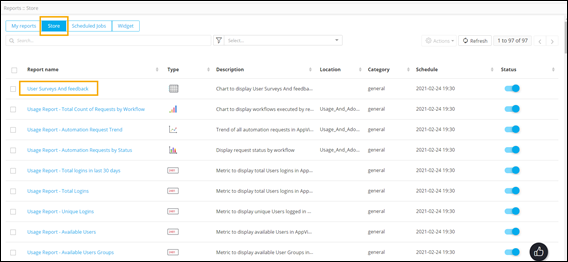
The User Surveys and feedback report on the Store page gives detailed information on user feedback.