Configuring Schedule Based Sync
-
In the Discover Resources section, enable Auto
Sync and select Schedule Based.
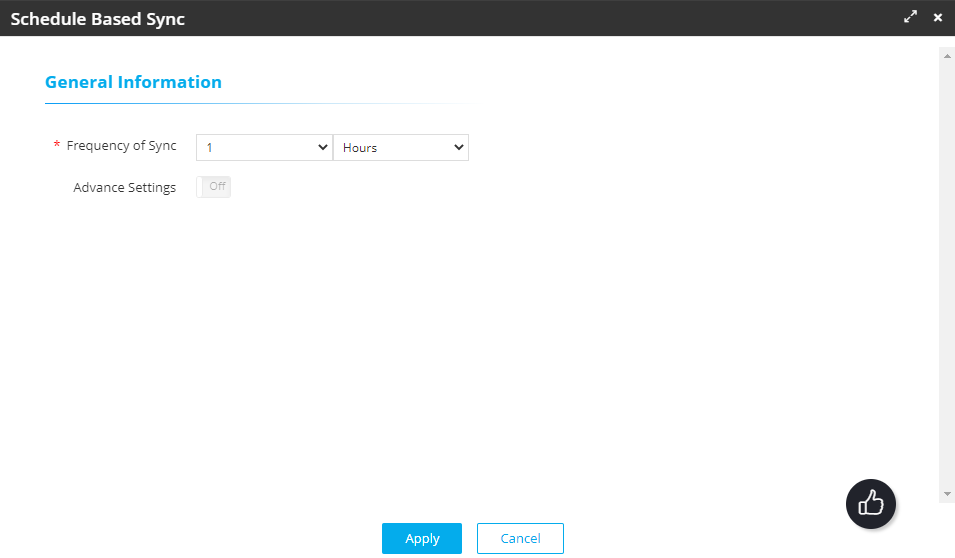
The Schedule Based Sync popup window is displayed.
-
In the General Information section, select the following details:
Field Description Frequency of Sync* To schedule the sync, set a frequency using the two dropdown lists for this field. For example, to set the frequency to 1 day:
- From the first dropdown list, select 1.
- From the second dropdown list, select
Days.

Advance Settings For the current release, this field is set to Off and is disabled. This field and the associated features will be enabled in the upcoming release. - Click Apply.