Adding an External Action Widget Link
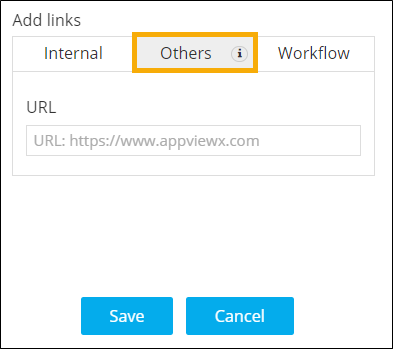
- To embed an external link or a cross origin enabled page URL into the Action widget, under Add links, click Others.
-
Enter the Name and URL for the link.
-
Click Save.
Clicking on the button will redirect to the page as per the configured URL.
- For more options to customize Action widget, click here.