Cloning an OOB Workflow
- Navigate to the Store.
-
On the Workflow > Store page, hover your
mouse over the workflow to be cloned, and click
 .
.
-
From the options available, click Clone.
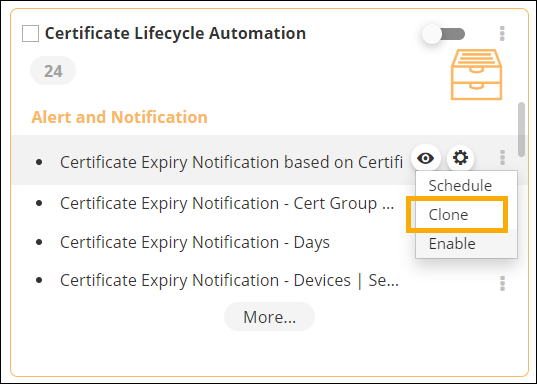 A copy of the cloned workflow is added to the Workflow inventory page.