Configuring HTML Widget - Properties
- From the Build component in the left menu, under the Widgets section, drag and drop the HTML widget to any blue highlighted space on the page.
-
To configure/edit the HTML widget, hover your mouse over the widget and click
 .
. 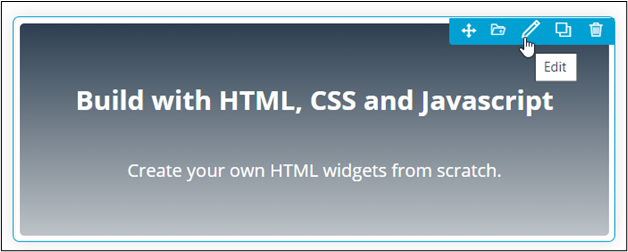 The Html widget pop-up window opens with the Properties tab open by default. You can now create HTML pages using: