Published
This Published page shows all the catalogs that are ready-to-use and
published.
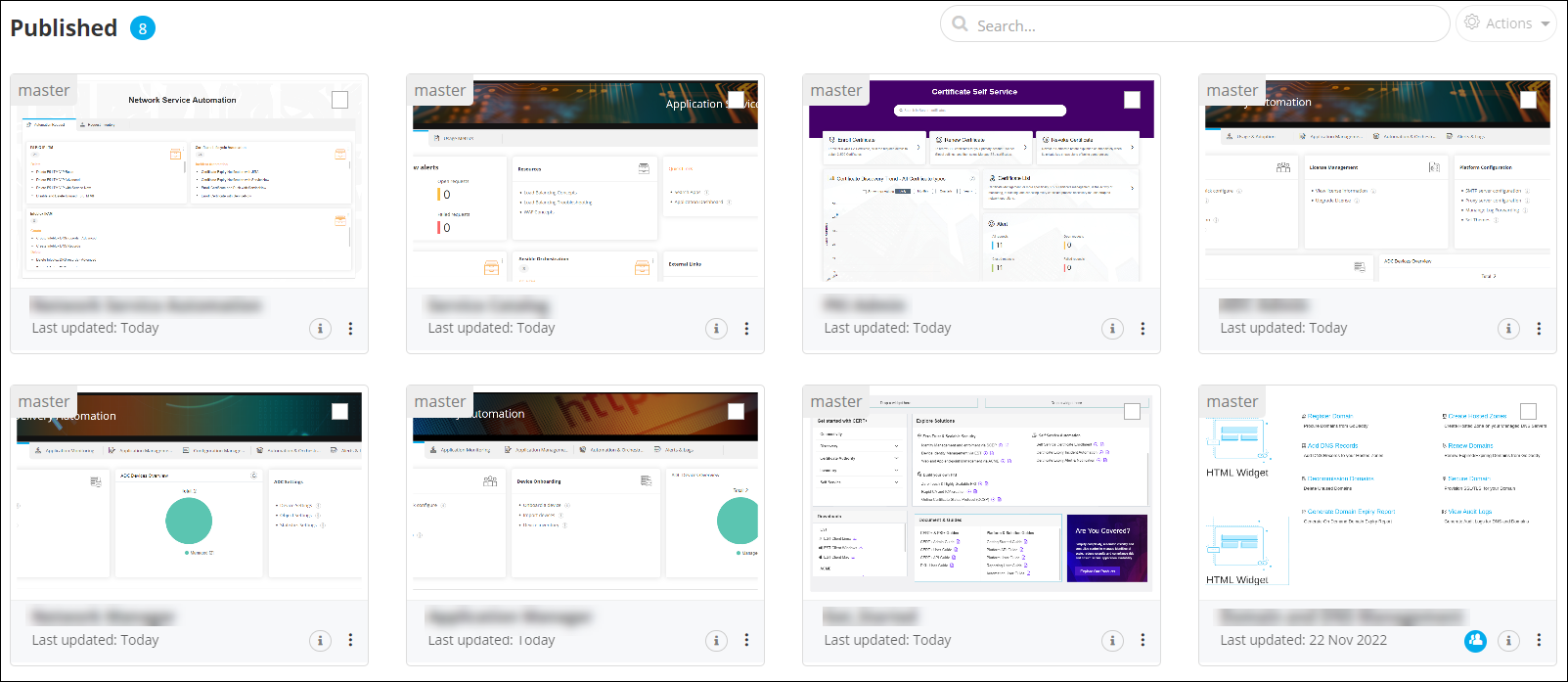
To access the inventory of published
catalogs:
| New Menu | Old Menu |
|---|---|
|
From the main navigation menu, select Pages. The Pages module is displayed with the Published section open by default. |
|
Note:
For more information on how to switch between menus,
click here. |
|
| Options | Description |
|---|---|
 |
A highlighted icon on the bottom right corner of the card represents a shared page. Hovering over the icon displays the name of the person who created the page. |
 |
Shows ‘Last Updated’ info and description of the page. |
 |
Allows users to perform the following actions on the selected page:
|
| Actions | Allows users to export the selected page(s). Note: This option is enabled only when you select a
page. |
| Search bar | Allows users to search for a specific page within the Published inventory by using keyword(s). |
Important:
Published catalogs cannot be deleted.