Store
Store has a collection of prebuilt out of the box (OOB) catalogs that can
be used as a reference for building your customized catalogs. Select the OOB Catalog
you want to build based on the persona and customize it as per your
preference.
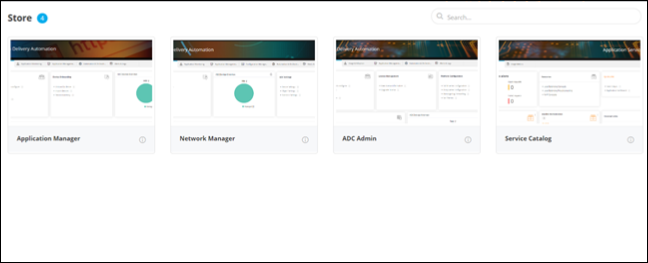
To access the inventory of OOB catalogs:
To access the inventory of OOB catalogs:
| New Menu | Old Menu |
|---|---|
|
|
|
Note:
For more information on how to
switch between menus, click here. |
|
Note:
For more information on Getting Started with OOB Catalogs,
click here.