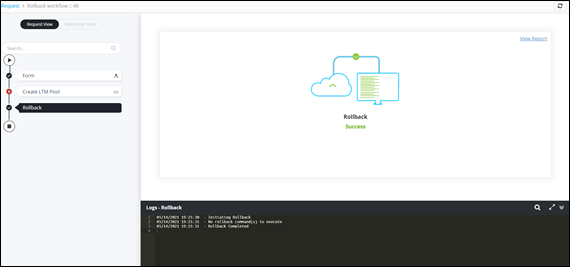
Auto Rollback 
- Design a workflow using workflow tasks.
-
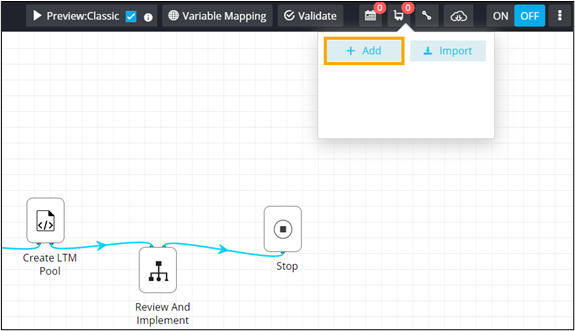
To create a subflow, from the command bar on the top, click
 (Cart) icon.
-
From the options displayed, click Add.
- In the New subflow window, enter a workflow Name.
- From the General section, drag and drop the Rollback task.
- Double-click on the Stop task of your main workflow.
-
In the Stop task window, define a rule to trigger the auto rollback.
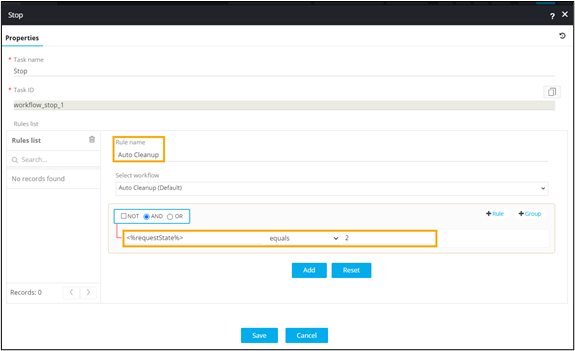
- Click Add.
- Connect the workflow tasks and enable the workflow.
-
Trigger the workflow.
Auto Rollback is initiated based on workflow state.