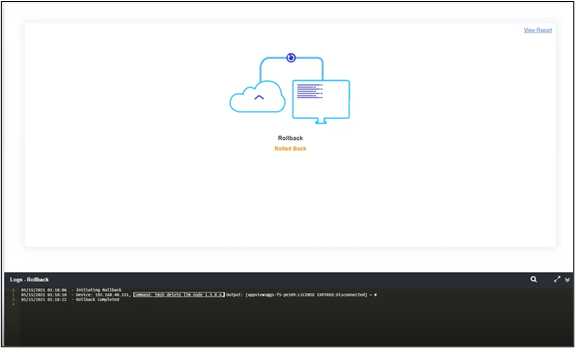
Manual Rollback 
- Design a workflow using workflow tasks.
-
To add a rollback workflow, from the menu on the top, click
Rollback.
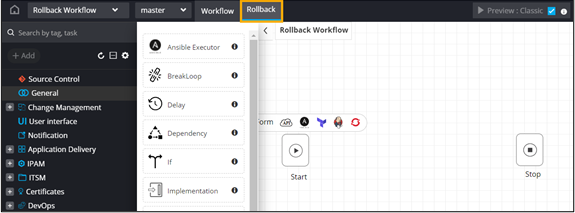
- From the General section, drag and drop the Rollback task.
- Connect the workflow tasks and enable the workflow.
-
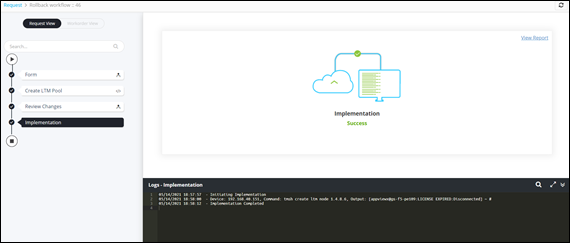
Trigger the workflow.
Workflow is executed successfully.
-
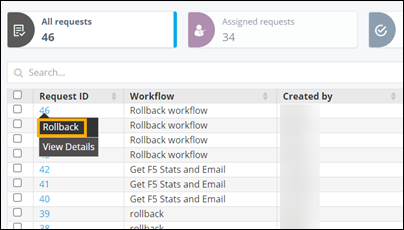
On the Request : All page. right-click on
the workflow Request ID and select Rollback.
-
In the Rollback window, select Rollback type as Request.
Workflow is Rolled Back.