Troubleshooting Utility
- Navigate to the directory <avx_installed_directory>/appviewx/scripts
-
Run the following script:
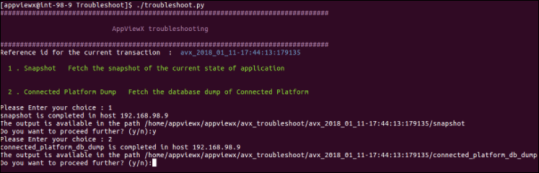
./troubleshoot.pyA prompt will appear with the following options:- Snapshots: To fetch and capture the current state of an application. After the snapshot is captured, the location of the snapshot will be displayed.
- Connected platform dump: To fetch the database dump of the Connected platform. After it is retrieved, the location of the database dump will be displayed.