Push Certificates
AppViewX will not be able to sync with the agent on the laptop user’s machine when the machine is offline. So in this scenario, the agent can be configured to send certificates to AppViewX when the user logs in. To enable the Push certificate, the Push functionality has to be configured during the installation of the agent.
Once after agent installation, the push functionality will be sending certificates to the AppViewX when the user is logged in.
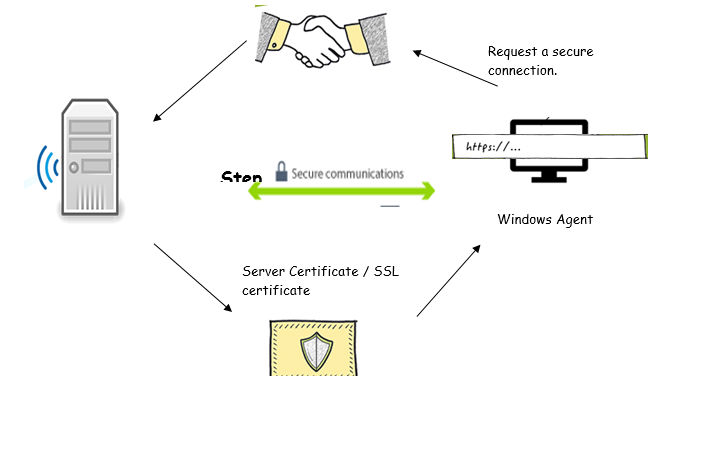
This is the scenario where the Windows agent will send the client certificate and Appviewx will validate the client certificate. After authentication there will be mutual communication between AppViewX and Windows agent. Below is a diagram that describes the flow from the Windows agent to the AppViewX.