Thycotic Secret
- On the Add credential page, select Thycotic from the left menu.
-
In the Credential details section, enter the required field
information.
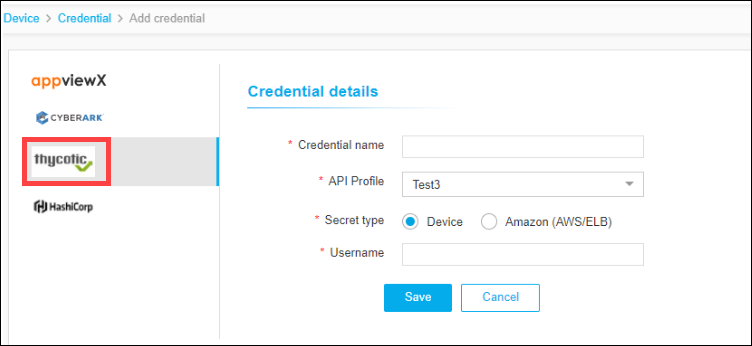
The following table describes the field information in this section:Field Description *Credential name Reference name for Thycotic Secret in AppViewX. *API Profile If you have more than one Thycotic Secret Server added as profiles, select the respective profile while adding credentials. *Secret Type Select secret type as Device or Amazon. Username Enter the username of the secret if you selected the Secret Type as Device. AWS IAM Username Enter the AWS IAM username if you selected the Secret Type as Amazon. All * marked fields are mandatory. - Click Save.