Cloning a Workflow
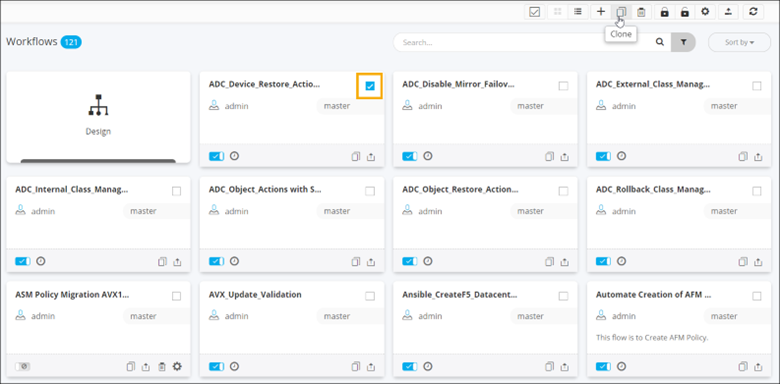
- On the Workflow inventory page (Card view), select the workflow(s) to be cloned.
-
To clone the workflow, from the command bar, click
 .
.
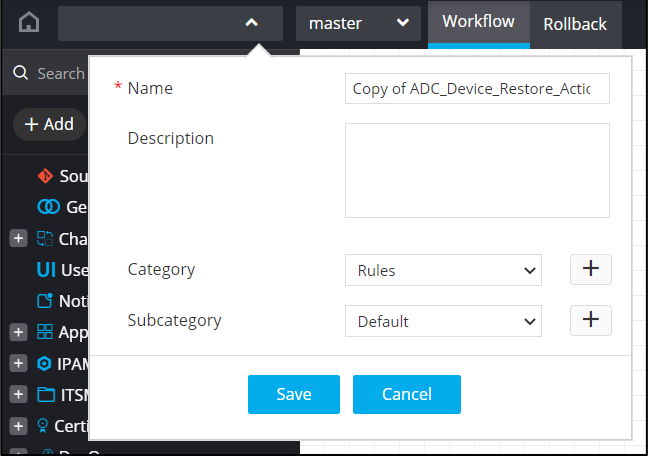
A copy of the cloned workflow opens in the design workspace. -
Enter a Name for the cloned workflow and click
Save.
A copy of the cloned workflow is added to the Workflow Inventory page.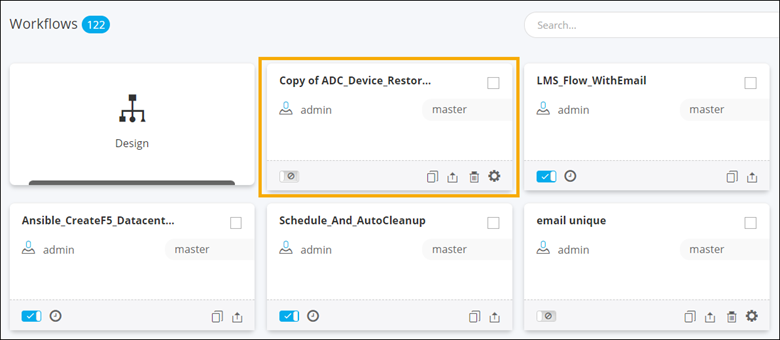 Tip: To clone a workflow, you can also click
on the workflow to be cloned.
-
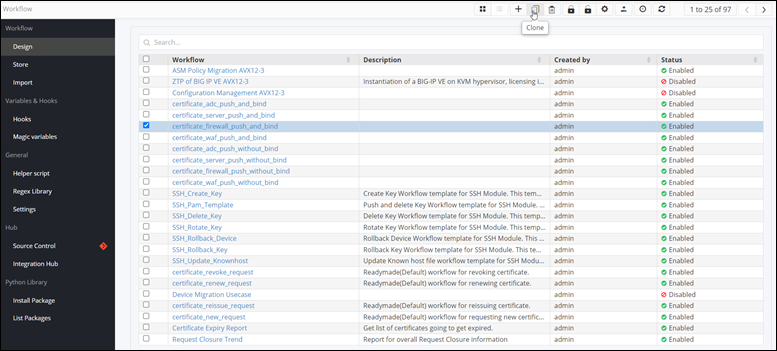
To clone a workflow when the Workflow inventory is in List view, select
the workflow to be cloned and click .