Enabling a Workflow
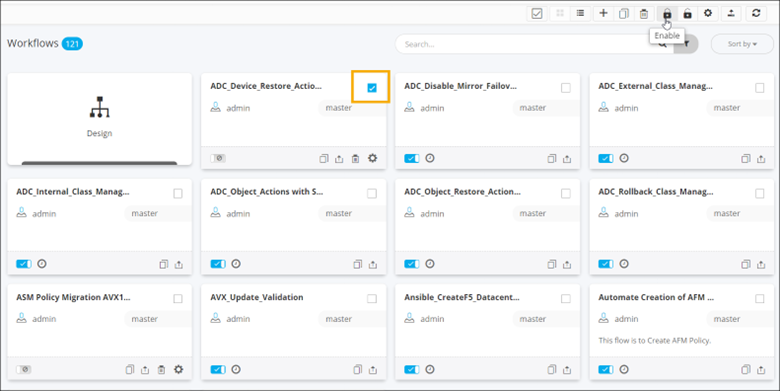
- On the Workflow inventory page (Card view), select the workflow to be enabled.
-
To enable the selected workflow, from the command bar click
 .
.
-
Click Yes in the Confirmation
pop-up window.
The workflow is enabled.
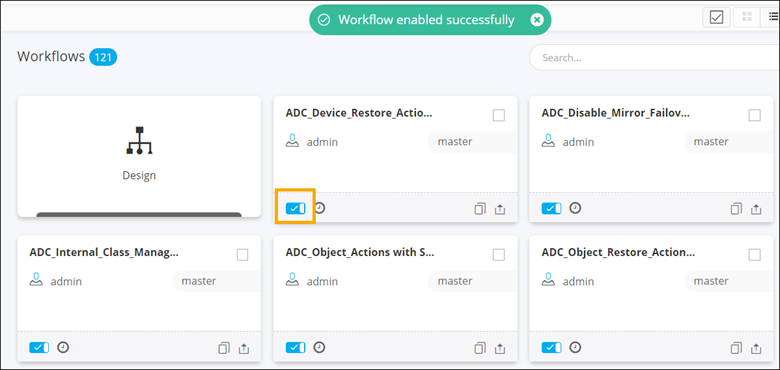 Tip: You can also enable the workflow by turning on the toggle on the selected workflow card.
 -
To enable multiple workflows, you can either individually select the workflows
to be enabled or click
 to select all workflows
displayed on the page and click in the command
bar.
to select all workflows
displayed on the page and click in the command
bar.
-
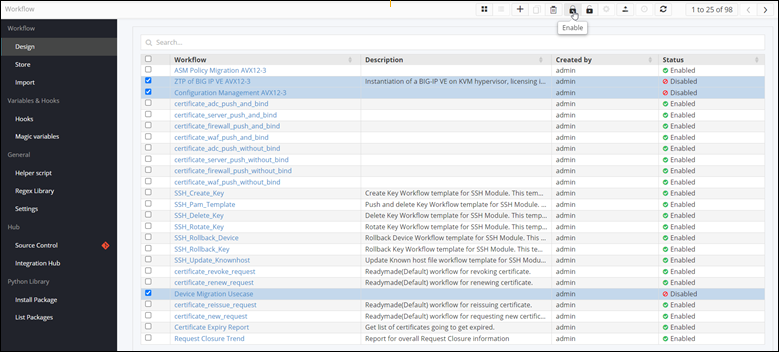
To enable a workflow, when the Workflow inventory is in List
view, select the workflow(s) to be enabled and click .