Deleting a Workflow
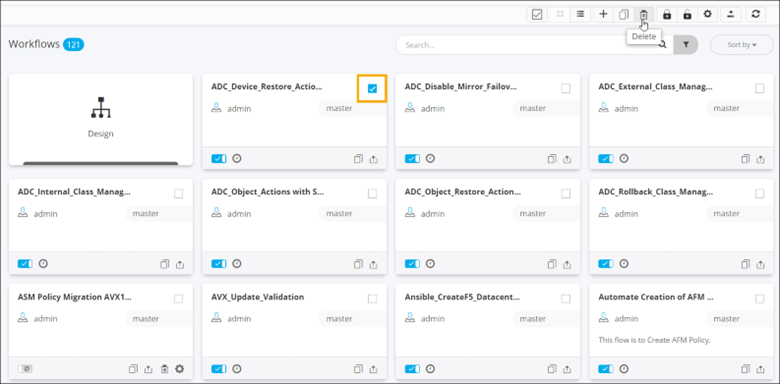
- On the Workflow inventory page (Card view), disable the workflow to be deleted.
- Select the workflow.
-
To delete the workflow, from the command bar, click
 .
.
-
To delete multiple workflows, either select them individually or click
 to select
all workflows displayed on the page and click from the command
bar.
Note: Ensure that the workflows to be deleted are disabled.
to select
all workflows displayed on the page and click from the command
bar.
Note: Ensure that the workflows to be deleted are disabled. -
To delete a workflow when the Workflow inventory is in List view,
select the workflow(s) to be deleted and click .
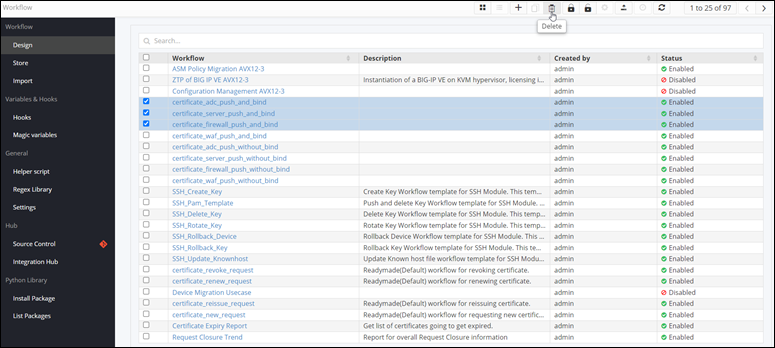
Tip: Ensure that the workflow(s) to be deleted are disabled.