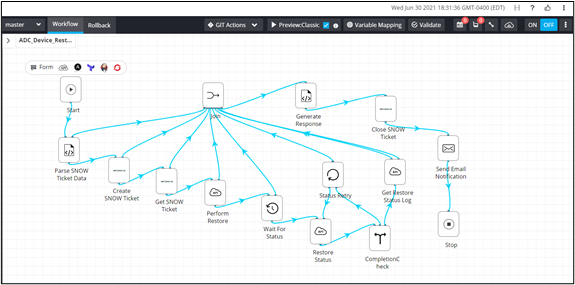
Designing/Modifying a Workflow
-
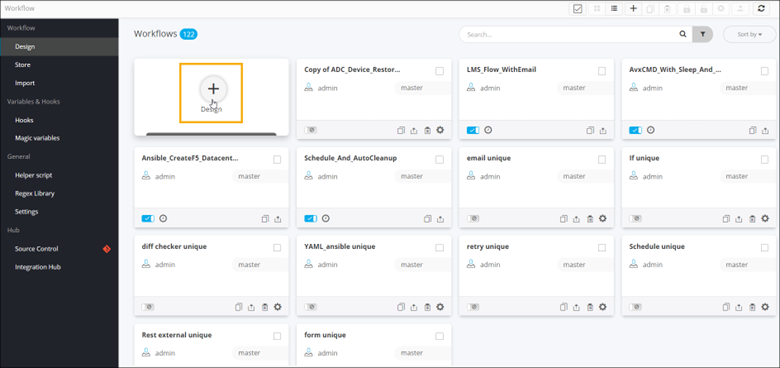
On the Workflow inventory page, click
Design.
-
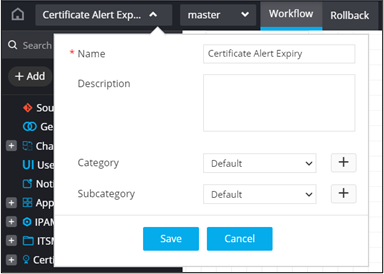
Enter the workflow Name and
Description.
-
Select the Category and
Subcategory.
Note: These fields are not mandatory.
- Click Save.
- Drag and drop tasks from the folders in the menu on the left to design workflows from scratch.
-
To modify a workflow, first ensure that the workflow is disabled.
Note: For more information on disabling a workflow, click here.
-
Click on the workflow to modify it.
The workflow opens in the design workspace. You can now modify workflow tasks as per your requirement.