Installing Python Package
-
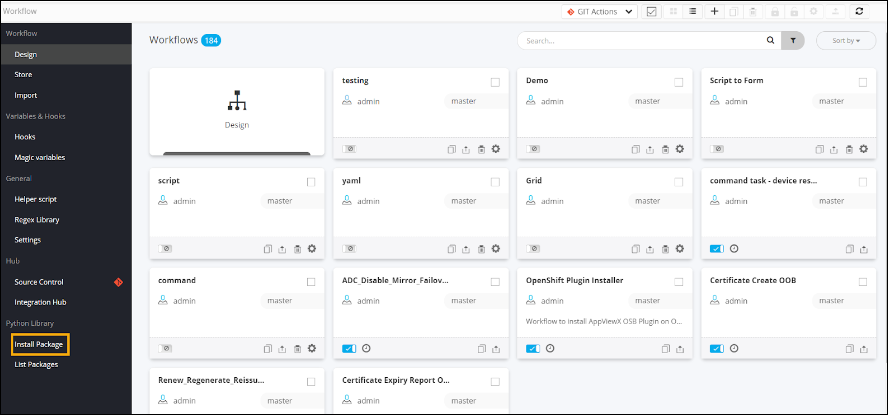
On the Workflow Inventory page, from the navigation pane on the
left, under Python Library, click Install
Package.
The Install Python Library page is displayed.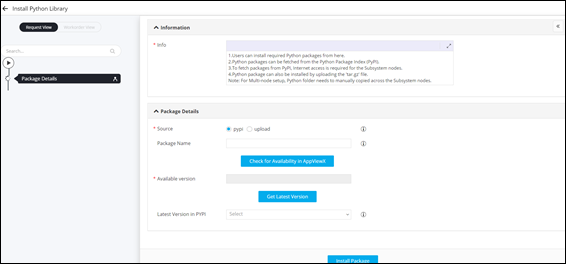
- On the Install Python Library page, under Package Details, select Source as pypi.
- Enter the name of the Python package that you wish to install, for example, f5-sdk.
-
To check if the package is already available in AppViewX, click
Check for Availability in AppViewX.
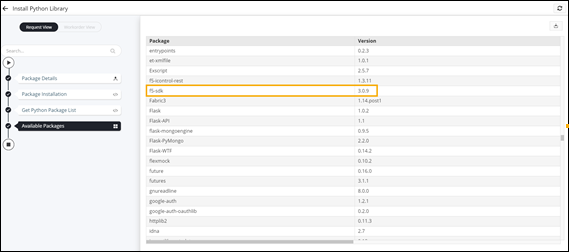
The Available version field is populated with the name of the Python package available in the AppViewX Python library.
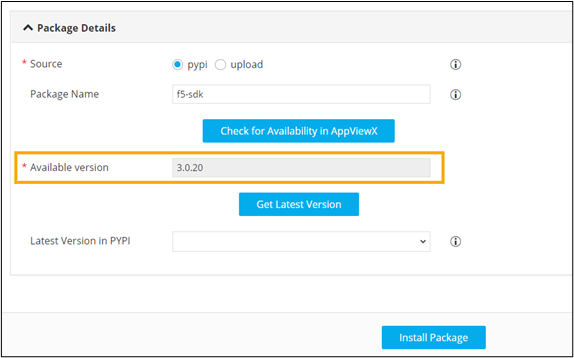
- To get the latest version of the package from pypi, click Get Latest Version.
-
Select the Latest version in pypi.
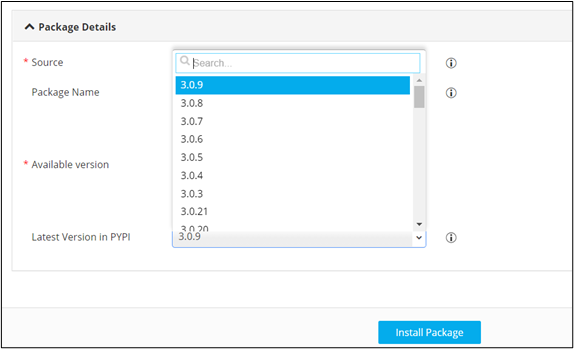
-
Click Install Package.
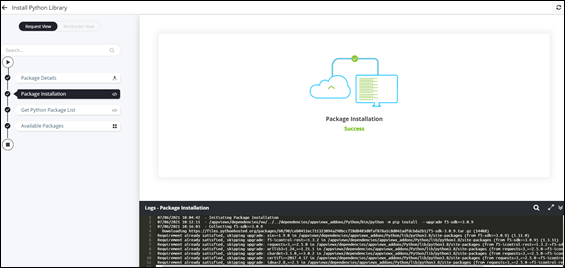
The selected Python package is installed successfully.