Accessing OOB Pages
-
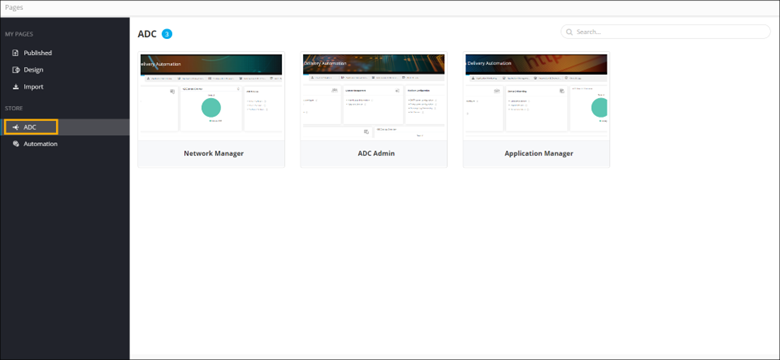
On the Pages Inventory page, from the navigation pane,
under Store, click ADC.
The OOB Pages inventory is displayed.
-
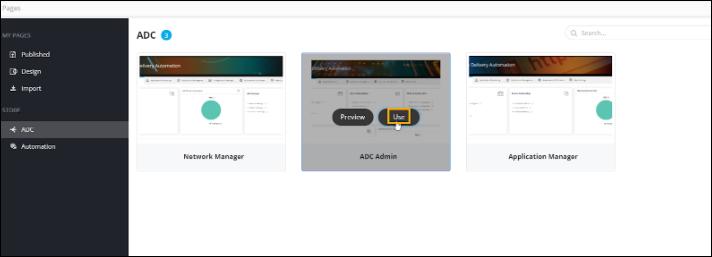
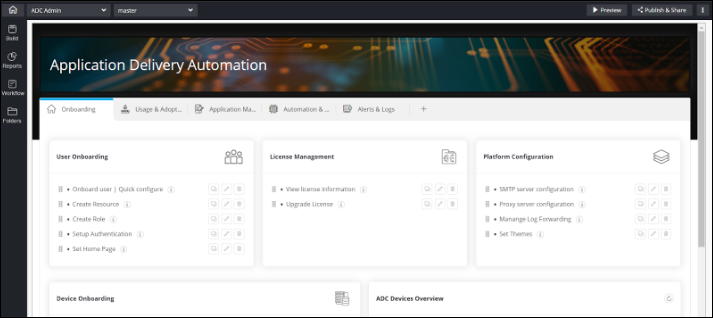
To preview a prebuilt OOB page, hover your mouse over a page and click
Preview. For example, ADC
Admin.