Cloning a Published page
-
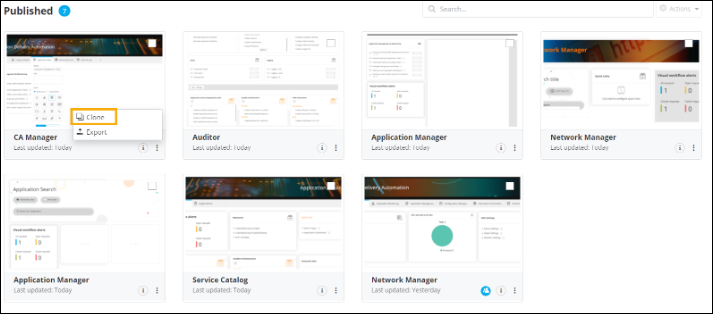
On the Published Inventory page, click
 on the page to be cloned.
-
From the options displayed, click Clone.
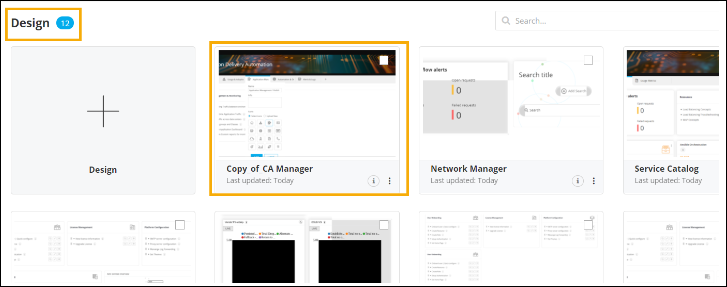
The cloned page opens in the same tab and a copy of the cloned page is added to the Design Inventory.