Import
To import a page:
-
On the Pages Inventory page, from the
navigation pane on the left, click Import.
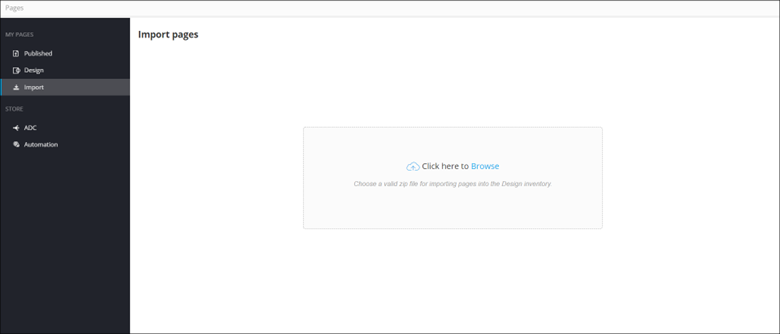
-
To select a file to upload from your machine, click
Browse.
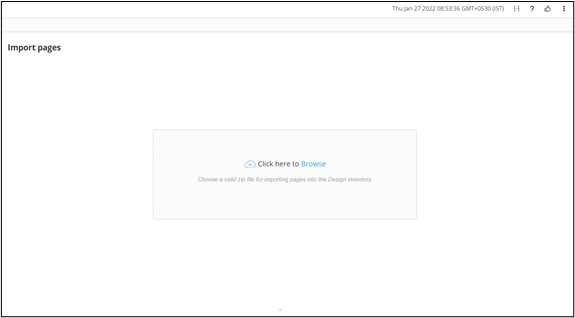
- Select the Page(s) to be uploaded.
-
Once the files are uploaded, select the page version for each page.
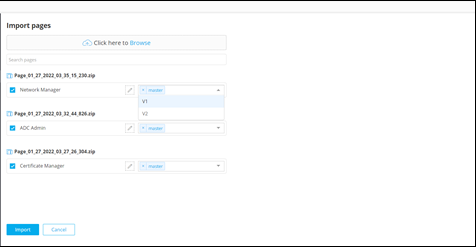
-
To change the Page name before importing it into the Design Inventory, click
 next to the
Page name and type in the new name.
next to the
Page name and type in the new name. 

-
Once you have selected the page versions, click
Import.
The imported page is added to the Design Inventory.