History 
- Go to the Workflow page.
- Open a workflow.
-
From the top right corner of the screen, click
 .
.
-
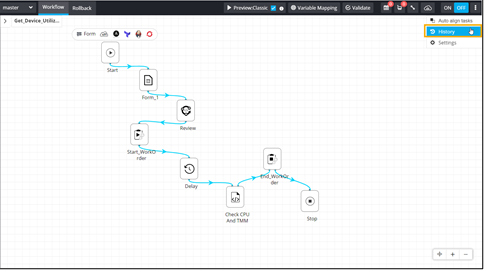
From the options displayed, select History.
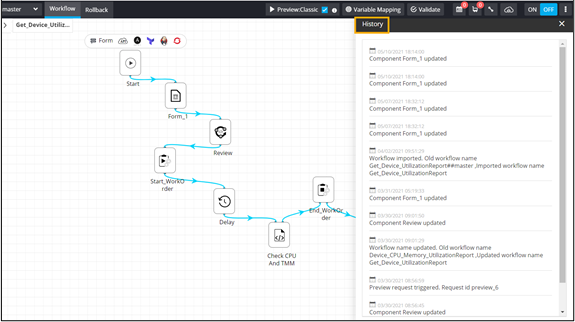
 The History window opens displaying the complete history of actions for this workflow.