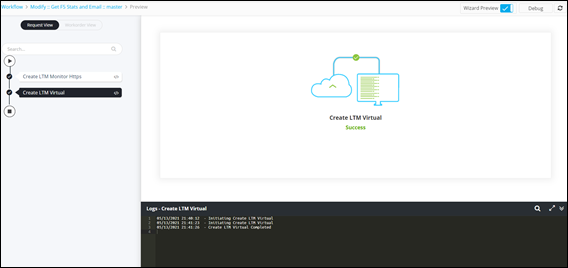
Preview 
- Classic: This is the default Preview option
- Wizard: This option can be used when you want to
validate individual workflow tasks without enabling the workflow. A pseudo
form is generated for stage-wise execution of tasks without triggering the
workflow. A pseudo form is only supported for the following tasks:
- Script
- REST
- REST (I)
- Schedule
- Slack.
To preview a workflow in Classic mode:
- Go to the Workflow page.
- Open a workflow.
-
From the command bar on the top,, select the
Preview:Classic checkbox.
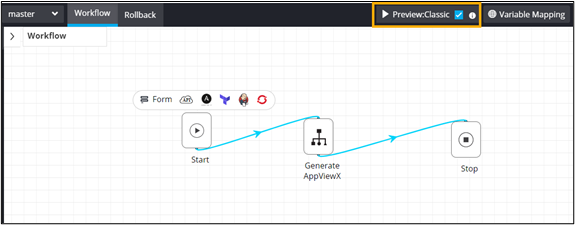
-
Click Preview.
Workflow preview is displayed.
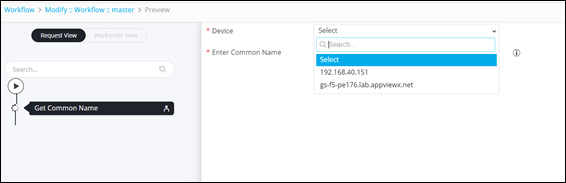
-
To perform Preview in wizard mode, clear the
Preview:Wizard checkbox.
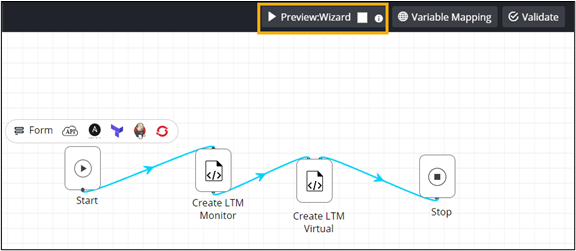
-
Click Preview.
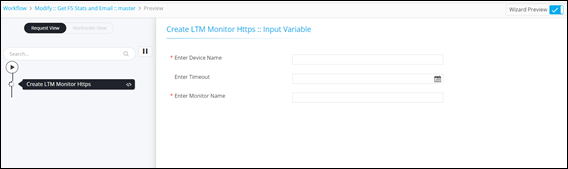
A pseudo form is generated with the input variables in the Script task.
-
Enter the field information to execute the task.
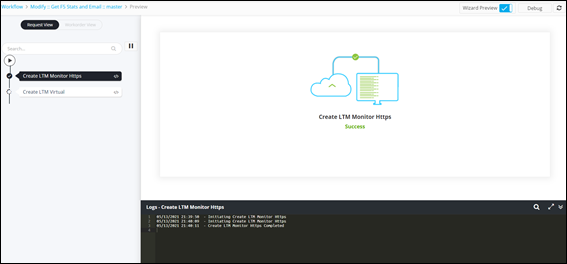 The second task executes automatically once the first task is successful.