Validations
| Validate | Agent | Certificate Authority | IIS | Keystore |
|---|---|---|---|---|
| User | Yes | Yes | Yes | Yes |
| .Net framework | Yes | Yes | Yes | Yes |
| Powershell | Yes | Yes | Yes | Yes |
| CertUtil | Yes | Yes | No | No |
| Certadm.dll | Yes | Yes | No | No |
| netsh | Yes | No | No | No |
| RPC | Yes | Yes | Yes | Yes |
| WinRM | Yes | Yes | Yes | Yes |
| WMI | Yes | Yes | Yes | Yes |
| IIS | No | No | Yes | No |
KeyStore: Select this option if you need to add to validate only the
Microsoft Certificate Store related functionality.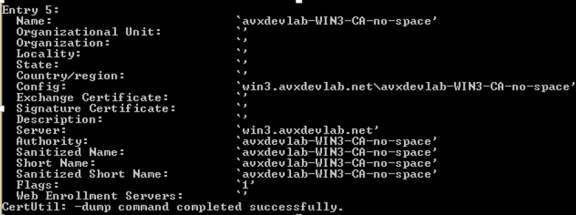
- User Access: It will validate by connecting to the target machine with the specified username and password and check if it has admin access.
- .Net Framework: It will check if .Net framework 4.5+ is installed and will display the current .Net framework version.
- Powershell version: It will check if Powershell is installed and will display the current Powershell version
- CertUtil: It will check if certutil component is available. This is used to get the CA name and the corresponding templates.
- CertAdm.dll: This is the native component used to access the CA and will check
if this component is available in the
C:WindowsSystem32folder. Sometimes, while trying to access this component during the verification it will return an error and hence, a manual check must be performed. - netsh.exe: This is used to bind the certificate to the installed agent port (8999).
- RPC service: The remote procedure call service must be running to perform all the remote operations and it will validate if the service is installed and running on the target machine.
- WinRM service: Windows Remote Management service is required for the Powershell execution and it will validate if the service is installed and running on the target machine.
- WMI service: Windows Management Instrumentation service is required for WMI and Powershell execution and it will validate if the service is installed and running on the target machine.
- IIS: It will check if the IIS server is installed and identify the current IIS version.