Unlinking a Repository
- On the Workflow Inventory page, from the navigation pane on the left, click Source Control.
-
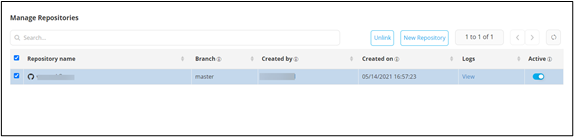
Under Manage Repositories, select the
repository to be unlinked.
-
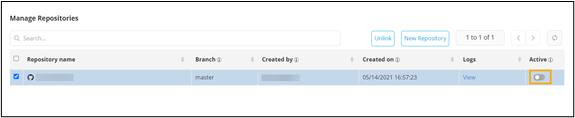
Deactivate the repository by turning off the toggle.
-
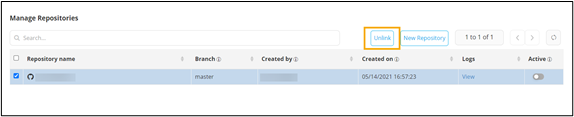
To unlink the repository, click Unlink.
- Click Ok in the Confirmation pop-up window.