How to Undo/Redo actions
To undo an action:
- Open a page in design mode.
-
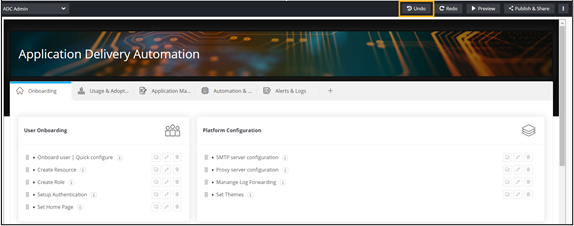
Click Undo.
The deleted widget is displayed.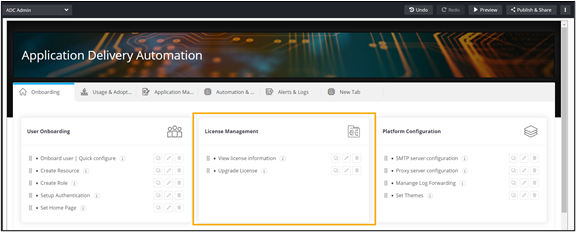
-
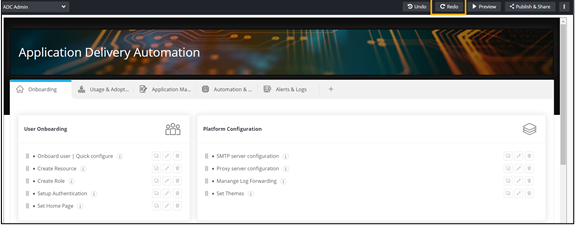
To redo the delete action, click Redo.
The widget is deleted again.
To undo an action: