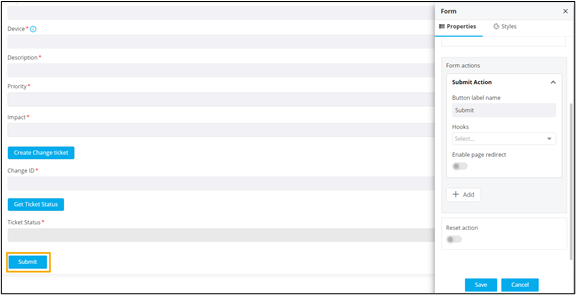
Configuring Form Actions
To add a Submit action to the form:
- Under Button label name, enter a valid name for the button. For example, Submit.
-
Under Hooks, select the appropriate hook from the available options in
the dropdown or import/create/modify a hook.
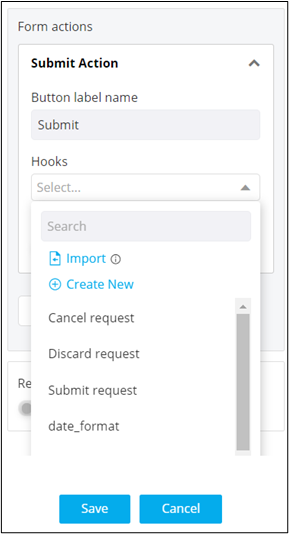 Note: For more information on assigning hooks to form fields, click here.
 -
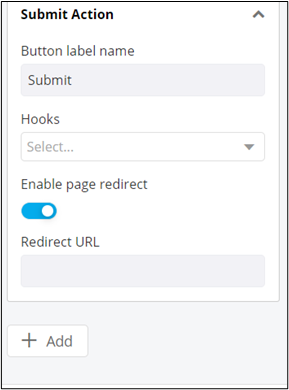
To redirect to a page after clicking the Submit button, turn on the Enable
page redirect toggle. For example, if you want to create a new user or
role and after submitting the form you want to be redirected to the Role page,
you can enable this option.
Once the page redirect is enabled, the Redirect URL field is displayed.
-
Add the Redirect URL and click Add to add the Submit action to the
form.
Submit button is added to the form.