Configuring the Label field - Properties
- To add the Label field to your form, drag and drop the Label component to the design area.
-
To configure the Label widget, hover your mouse over the widget and click
 .
.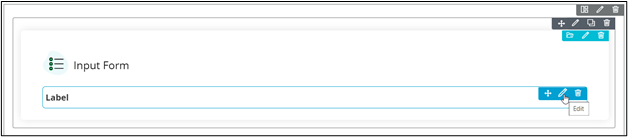 The Label pop-up window opens.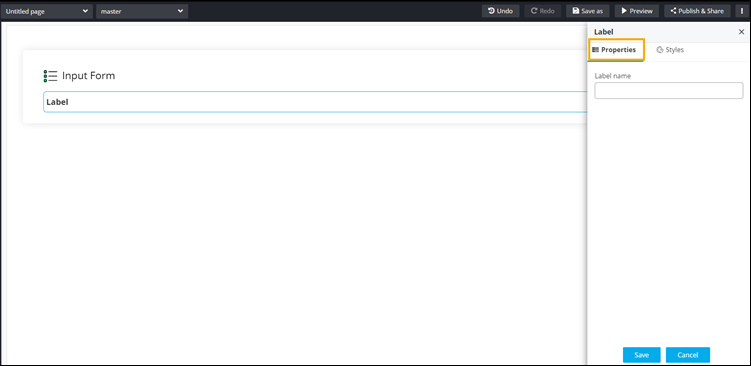
- In the Label window, under Properties, enter a valid Label name.
- To save your configurations, click Save.