Renewing a Domain
To renew a domain:
-
Go to DDI+ > Self Service >
Domain Lifecycle, and then click Renew
Domains.
The workflow execution page is displayed with the workflow inputs requested at the first stage.
-
In the Requester Details section, in the Team DL field, enter the
email addresses to which the domain registration email should be sent. Multiple
email addresses must be entered as comma-separated values.
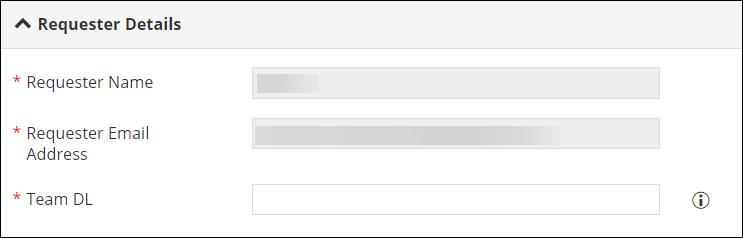 Note: The field information for the first two fields will be fetched automatically from the logged in user information.
 -
In the Domain Search section, enter or select the required field
information.
The following table describes the field information in this section:
Field Description *Search By Select if you want to search the domain that you want to renew by: - Domain Name: You can use this option when you know the specific domain that needs to be renewed.
- Expiry Days: You can use this option when you want to renew domain(s) expiring within a specific number of days
*Domain Name Enter the domain name that you want to renew. Note: This field is displayed only when you select Domain Name in the Search By field.*Domain Expiry Days Enter the number of days till the expiry of the domain. Note: This field is displayed only when you select Expiry Days in the Search By field.Get Domains Click this button to get a list of domains that are expiring within the number of days specified in the Domain Expiry Days field. *Expiry Domains List Select the domain(s) that you want to renew from the dropdown list. Note: This list is populated only when you click the Get Domains button.*: Mandatory fields -
In the Domain Information section, enter the required field
information.
The following table describes the field information in this section:
Field Description *Domain Name Displays the name of the domain that is to be renewed based on the selection in the Domain Search section. Note: This is an auto-populated, read-only field.*Domain ID Displays the domain ID of the domain to be renewed. Note: This is an auto-populated, read-only field.*Expiring At Displays the date on which the domain will expire. Note: This is an auto-populated, read-only field.*Validity Period (Years) Enter the number of years for which this domain is to be renewed. Name Servers Enter the name server details. *: Mandatory fields -
Click Submit.
Domain renewal is approved and Domain Renewal notification is sent to the requester.
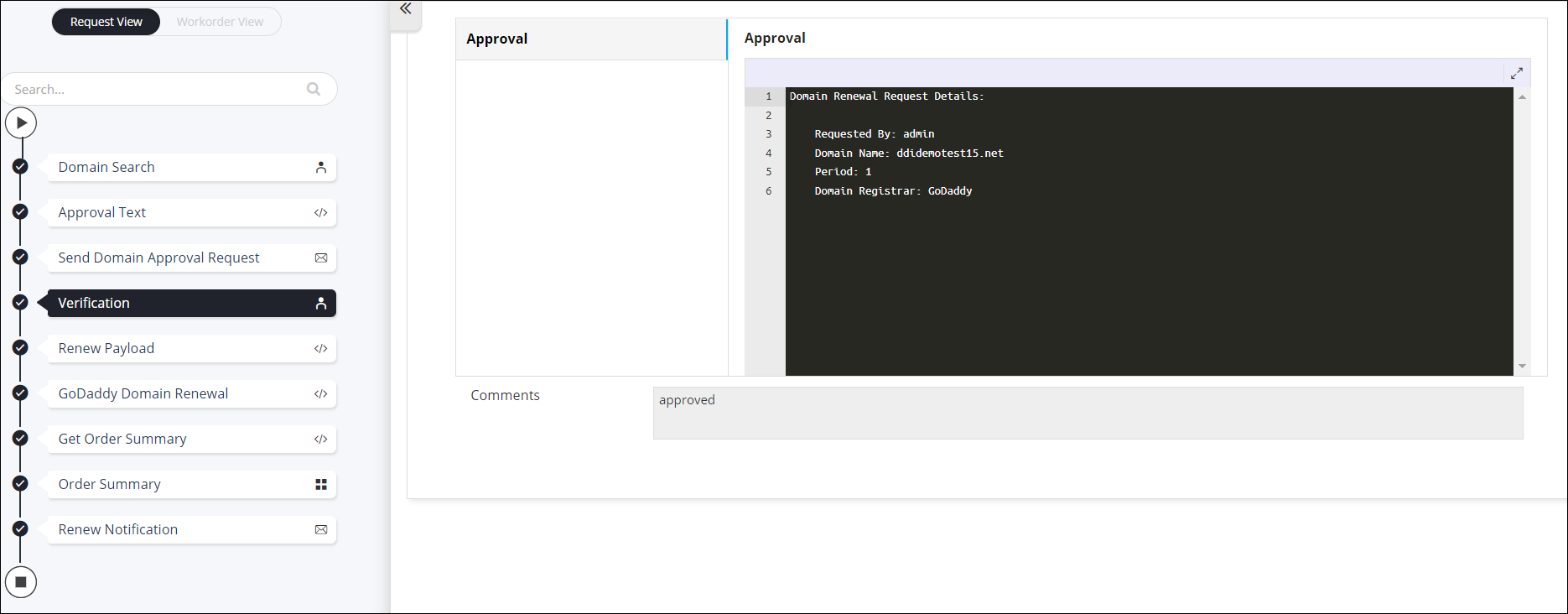
- For more details on the renewal order, go to the Order Summary stage of the workflow.