View Action Logs
-
Click
 and select AppVision > Application.
The Application screen opens with the Inframap tab selected by default.
and select AppVision > Application.
The Application screen opens with the Inframap tab selected by default. - If you want to see the logs for a Blueprint, click the Blueprint tab to open the application whose logs you want to view.
-
On the workspace that opens, click
 .
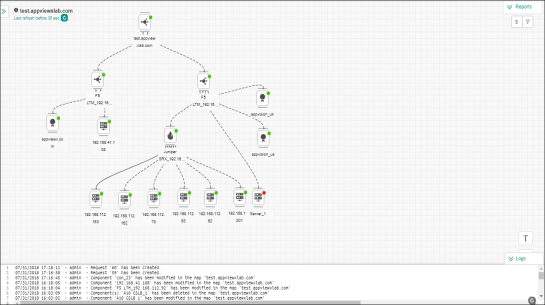
The logs field appears at the bottom of the screen, as shown below.
.
The logs field appears at the bottom of the screen, as shown below.