View the Monitoring Status
-
Click
 and select
AppVision > Application.
The Application screen opens with the Inframap tab selected by default.
and select
AppVision > Application.
The Application screen opens with the Inframap tab selected by default. - Open the application infrastructure for which you want to view the troubleshooting history.
-
Click the Troubleshoot dropdown menu and select
 in the Command bar.
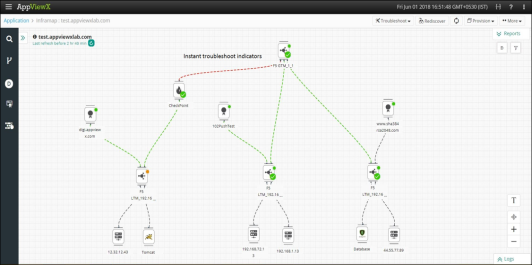
The Troubleshoot indicators will display the monitoring status of all the components in the workspace, for which the commands are executed.
in the Command bar.
The Troubleshoot indicators will display the monitoring status of all the components in the workspace, for which the commands are executed.