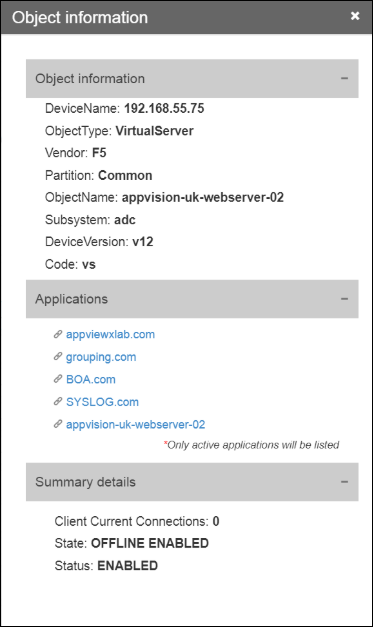
View the Component Details in Inframap
-
Click
 and select
AppVision > Application.
The Application screen opens with the Inframap tab selected by default.
and select
AppVision > Application.
The Application screen opens with the Inframap tab selected by default. - Click the Inframap whose component details you want to view.
- If you want to view the details of a component that appears in a Blueprint, select the application from the Blueprint tab and do the following.
-
On the workspace that opens, right-click the component and select Details.
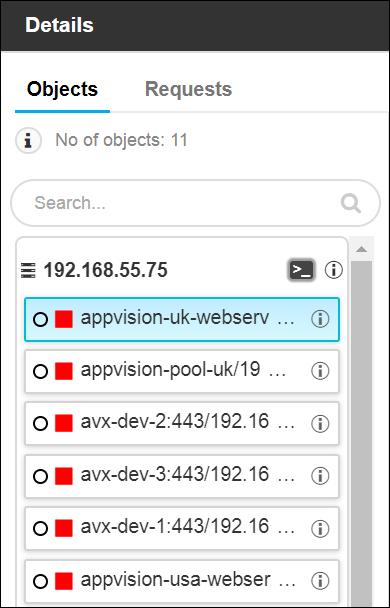
The Details screen opens with the Objects tab selected by default. The list of objects appears varies depending on the component type you selected.
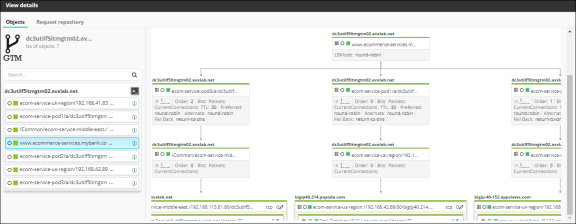
- ADC: A topology view for each device object provides a detailed, hierarchical
map of the structure of the object and their dependencies.
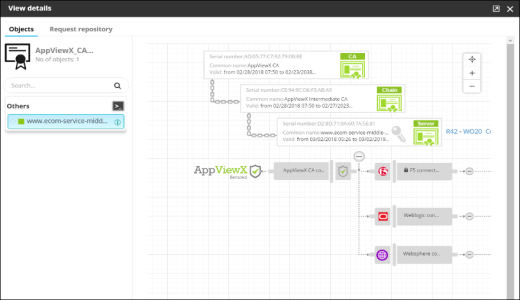
- Certificate: The topology view for each certificate provides a detailed map
that extends from the root certificate to intermediate certificates to the end
certificate itself. This view also shows the relationship between all of the other
components related to the certificate, including connectors and devices.
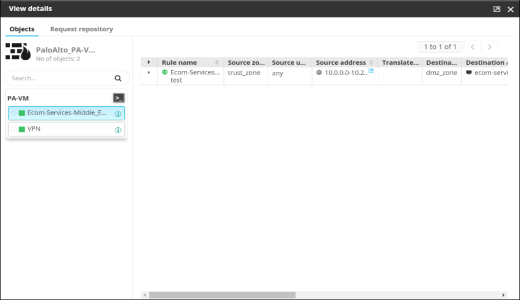
- Firewall: The detailed information about the rules and policies available
within the selected component is displayed.
- ADC: A topology view for each device object provides a detailed, hierarchical
map of the structure of the object and their dependencies.
-
You can right-click the object to view the list of actions that can be performed.
For more details, refer to the following:
- ADC -Access the Actions Menu for Objects on the ADC Search Results and Topology Screens
- Certificate -Access the Actions Menu for Objects Within Certificate Topologies
- Firewall -Access the Actions Menu for Rules on the Firewall Search Results Screen
- Right-click an object and select the Details option.
- In the Details screen that appears, all the object details are displayed on
the left side in the Objects tab.
- Click
 to view the
advanced health monitor containing the statistics of CPU usage.
to view the
advanced health monitor containing the statistics of CPU usage.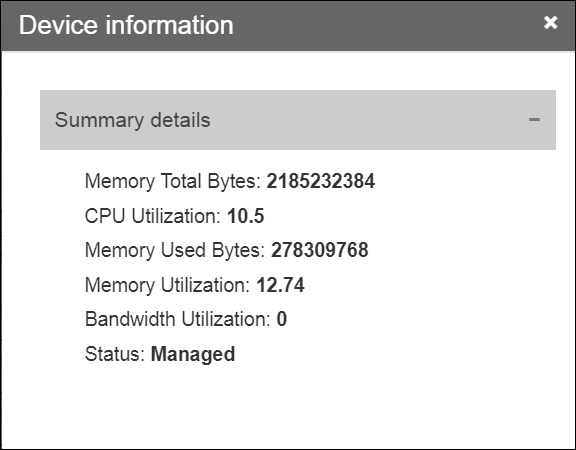
- Click to view the
cross-functional application details.