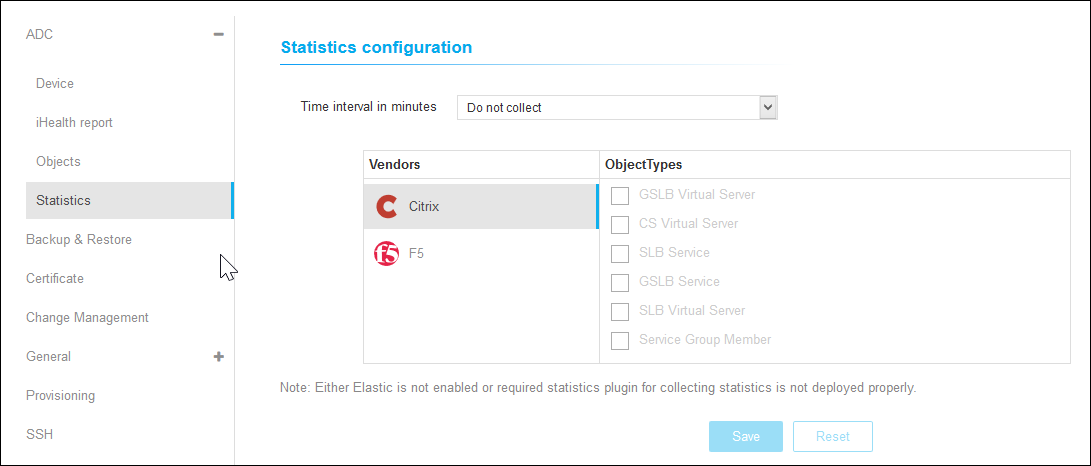
Statistics To configure statistics: Click Statistics under the ADC menu. On the Statistics Configuration details page, choose the time from the Time Interval in Minutes drop-down. Select the vendor and choose the object types from the list. Click Save.