Deleting a TACACS Server
- Navigate to the Settings :: Authentication page.
-
To configure the TACACS authentication settings, on the Settings ::
Authentication page, click the TACACS tab.
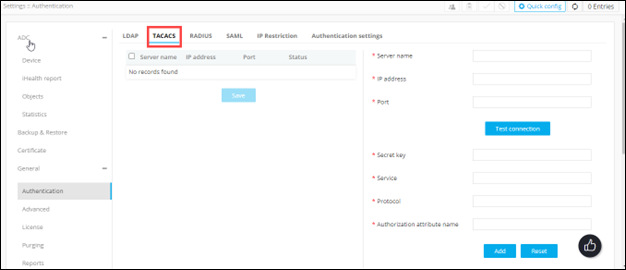
-
From the table displayed in the left half of the page, for the server you want
to delete, select the check box corresponding to the server name.

-
From the top-right corner of the page, click
 .
.
- In the Confirmation message dialog box, click Proceed.