Disabling an IP Restriction Rule
- Navigate to the Settings :: Authentication page.
-
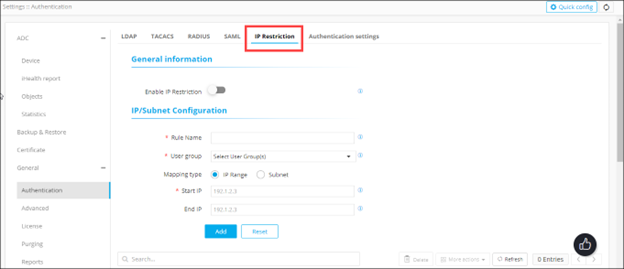
To configure the IP restrictions, on the Settings ::
Authentication page, click the IP
Restriction tab.
-
From the table at the end of the page, for the IP restrictions rule you want to
disable, select the check box corresponding to that rule.

-
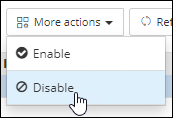
From the More actions drop-down menu, click
Disable.
-
In the Disable dialog box, click Yes.
The selected rule is disabled.