Creating a Helper Script
-
On the Workflow Inventory page, from the navigation pane on the
left, click Helper Script.
The Helper Script Library page is displayed.
-
To add a new Helper Script, on the Helper Script Library
page, click
 in
the command bar.
in
the command bar. 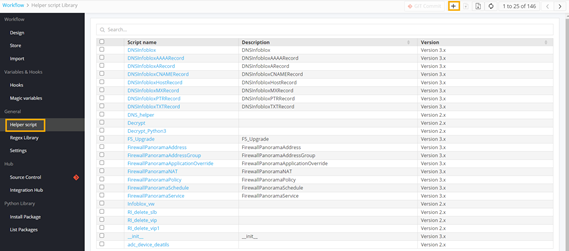
-
Enter or select the field information.
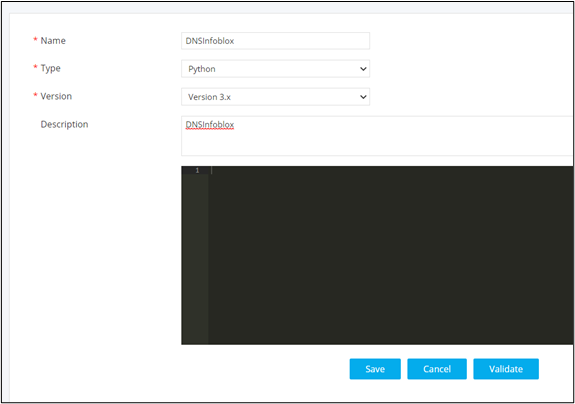
This table describes the field information in this section:
| Field | Description |
|---|---|
| *Name | Provide an appropriate name for the Helper Script. |
| *Type | Select script as Python. |
| *Version | Select version as 3.x |
| Description | Provide a valid description of the script. |
| All asterisk (*) marked fields are mandatory. | |
-
Define the script logic.
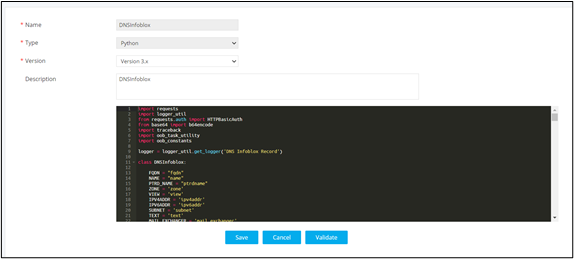
- Click Save.