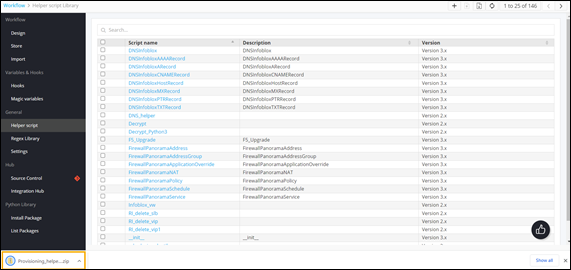
Exporting Helper Scripts
-
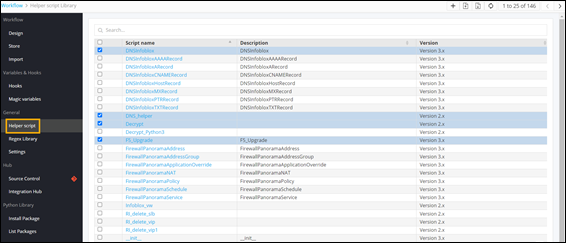
On the Workflow Inventory page, from the navigation pane on the left, click
Helper Script.
The Helper Script Library page is displayed.
-
On the Helper Script Library page, select the
helper script(s) to be exported.
-
To export the selected helper script(s), click
 in the command bar.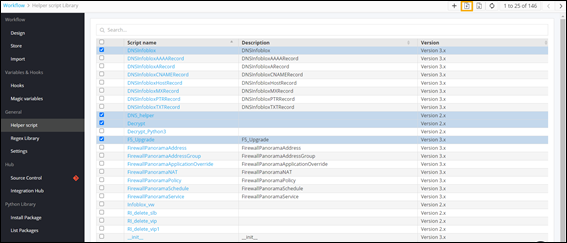
-
Click Ok in the Confirmation
pop-up window.
The helper script(s) is/are saved as a .zip file.