How to Download a Dashboard
-
From the top left corner of the screen, click
 .
.
- From the menu displayed, select Dashboard.
-
On the Dashboard inventory page, click on a
dashboard name.
The selected dashboard is displayed on the screen.
-
To download the dashboard as a PDF file, from the top right corner of the
screen, click
 .
. 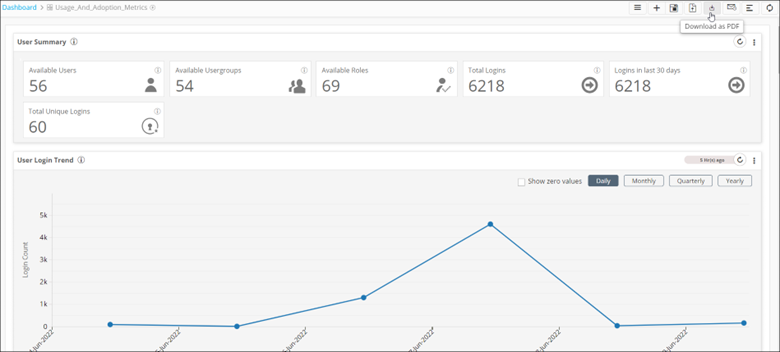
The dashboard is downloaded to your device as a PDF.