How to Search for a Dashboard
-
From the top left corner of the screen, click
 .
.
-
From the menu displayed, select Dashboard.
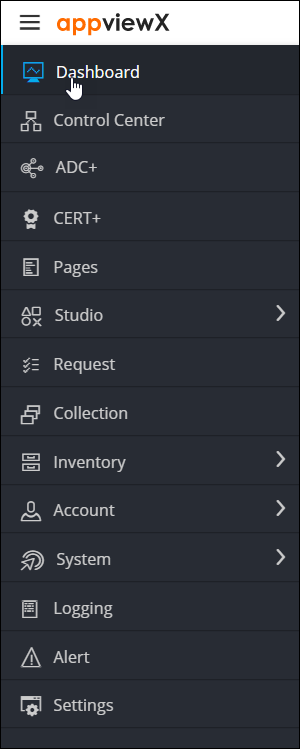
The last opened or pinned dashboard is displayed. -
To view the Dashboard inventory, form the top right
corner of the screen, click
 .
The Dashboard inventory page is displayed.
.
The Dashboard inventory page is displayed.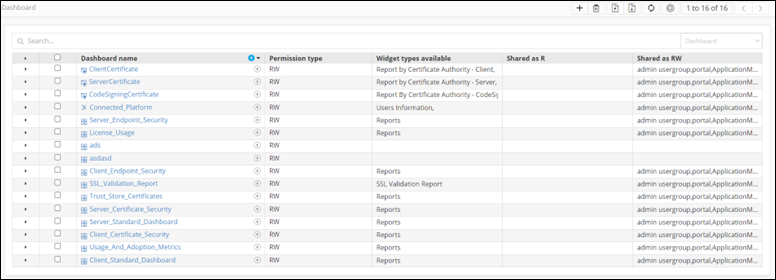
-
To search for a dashboard, on the Dashboard inventory
page, enter the search keyword(s) in the Search field.
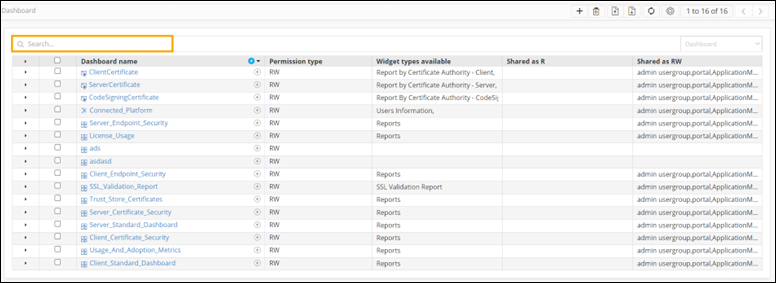
The dashboards, objects, or widgets that match the keyword(s) are displayed.