Modifying a Hook
- In the Form window, under the Hooks section, hover your mouse over the hook that is to be modified.
-
Click
 .
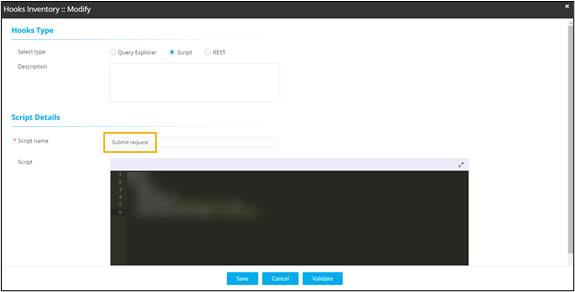
.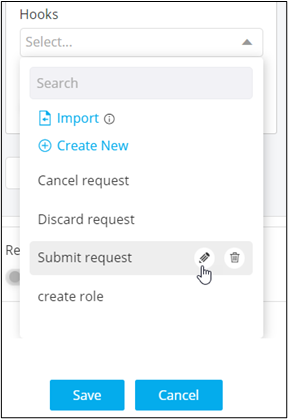 The Hooks Inventory :: Modify window opens. You can modify the hook and assign it to the form field.
 Note: For more information on Hooks, refer to the Automation User Guide.