Configuring the Alert widget - Properties
-
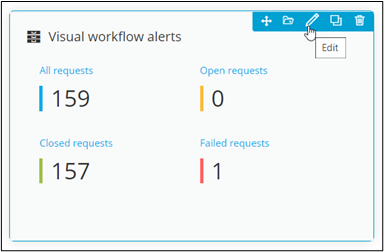
To configure/edit the Alert widget, hover
your mouse over the widget and click
 .
. 
The Alert widget window opens with the Properties tab open by default.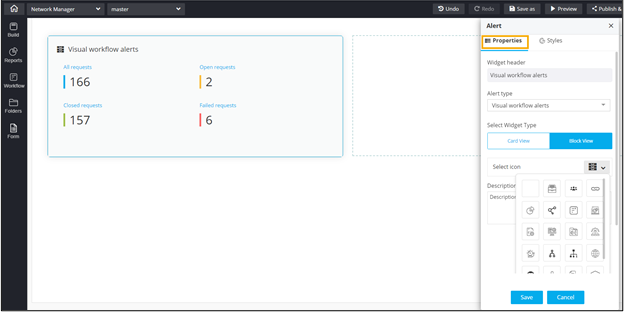
-
In the Alert window, under the Properties
tab, enter or select the required field information.
The following table describes the options under the Properties tab:
Field Description Widget header Allows you to rename the widget header. Alert Type Allows you to select the Alert Type from the options available in the dropdown. Select Widget Type Allows you to switch between Card View and Block View. Select Widget Icon Allows you to select an icon for the widget from the options available in the dropdown. Description Allows you to add a description for the widget. - Click Save.