Self-service Pages can be customized for logical grouping of multiple page components. You
can club together related widgets such as workflow catalogs or reports and arrange them
under one group for easy access and visibility. 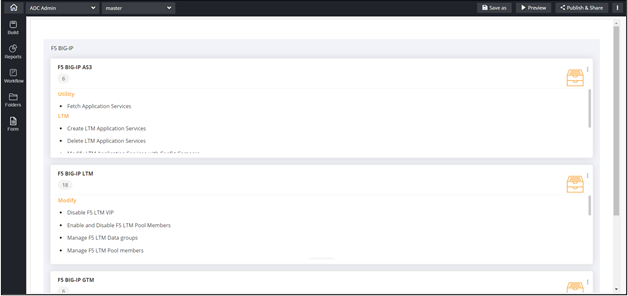
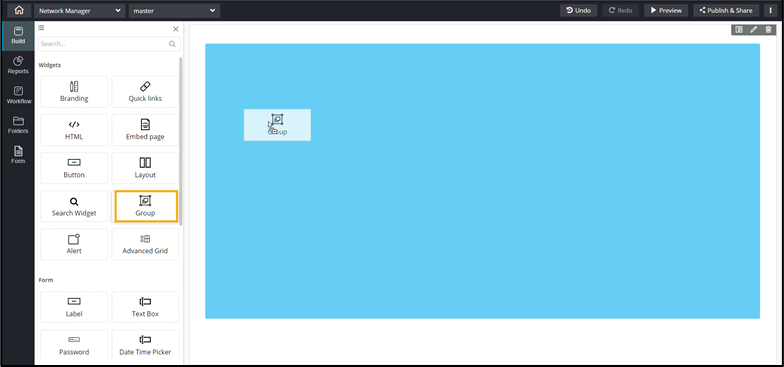
To add
a Group component to your page:
-
Drag and drop the Group component to any blue
highlighted space on the page.
-
To configure the Group Properties, click here.
-
To configure the Group Styles, click here.