Alert
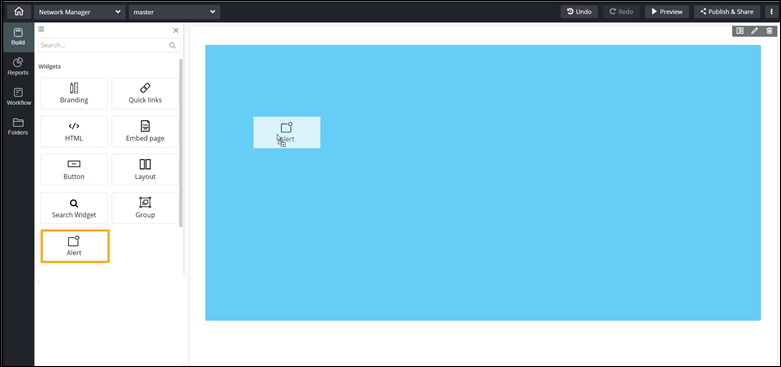
To add the Alert component to your page:
-
Drag and drop the Alert component to any blue
highlighted space on the page.
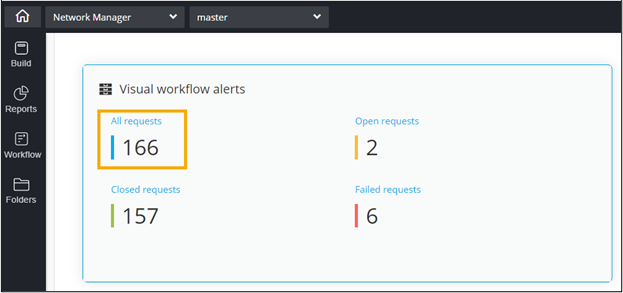
The Alert component displays the visual workflows requests as per their status - all, open, closed and failed. -
To redirect to the Workflow Request page showing All
requests triggered by a user, in the Visual workflow
alerts widget, click All requests.
The Request :: All page opens in a new tab.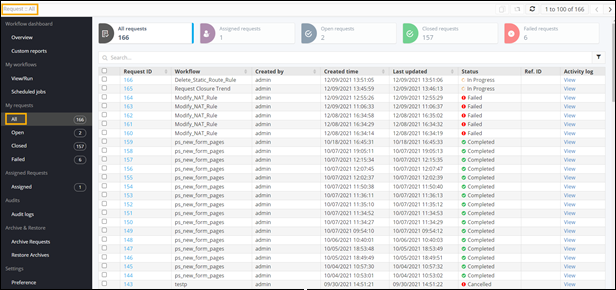
- To configure Alert widget Properties, click here.
- To configure Alert widget Styles, click here.