Self-service Pages module allows users to add buttons on your page to trigger
specific “call to action”.
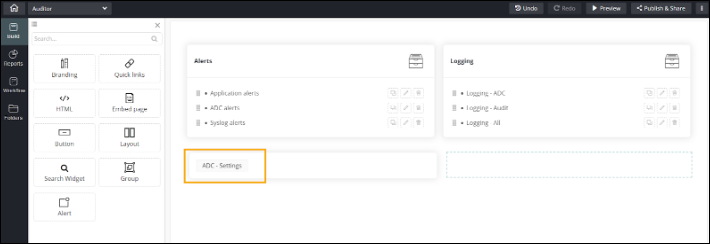
To add a
button to your page:
-
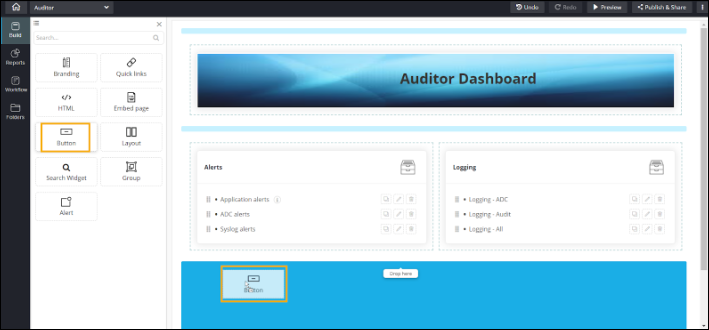
Drag and drop the Button component to any blue
highlighted space in the build area.
-
To configure the Action widget Properties, click here.
-
To configure Action widget Styles, click here.